CRM, helpdesk, and ticketing get used interchangeably, vendors included. Here is what the terms mean and which guide you need next. If the vocabulary is already clear, skip ahead to the full overview below.
What CRM stands for, and what it actually holds
CRM is short for Customer Relationship Management. In everyday use people mean the software: the system where customer details, earlier conversations, orders, and open actions sit together. A concrete example — a customer emails about a return, and the agent sees who they are, what they ordered, what was discussed before, and who owns the case now. Without a CRM that information is spread across a mailbox, the store admin, and a colleague's memory.
Read the full CRM explanation
The four principles CRM rests on
The best-known model works in four steps: identify customers, differentiate them by value and need, interact with them deliberately, and adapt what you do based on that. Abstract as a model, useful as a software test. Does the system recognise a returning customer on its own? Can you see how that customer differs from a first-time order? Does the conversation stay in one thread? And can you change your process without a developer? A system that stops at step one is an address book.
See the types of CRM
Customer contact is not customer service
Customer contact covers every moment the two of you speak: an order confirmation, a shipping update, a chat, a phone call. Customer service is the part where a question or problem has to be resolved. The distinction is practical rather than academic — a large share of service tickets exists because the contact before it was unclear. Fix the shipping update and the delivery question disappears.
Compare customer service software
Which digital customer service tools exist?
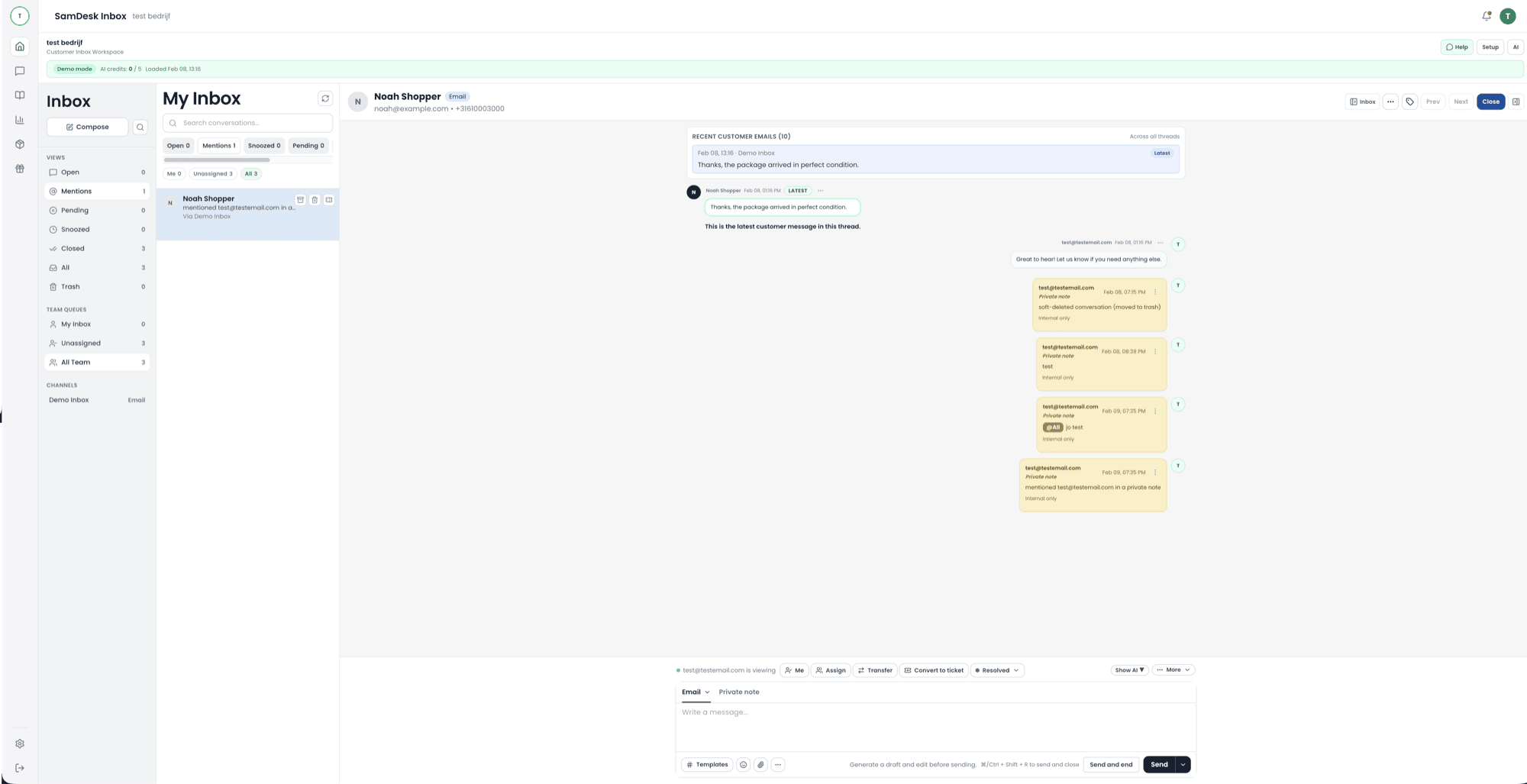
Roughly four categories, and they overlap constantly. A shared inbox pulls email and chat into one place. A ticketing system adds ownership, status, and follow-up. A CRM stores who the customer is and what happened before. A knowledge base or chatbot catches questions before a person sees them. Smaller teams rarely need all four as separate products; they need the first three to appear in the same screen.
Compare helpdesk software
What does a CRM system cost?
It depends on what the vendor counts: seats, contacts, conversations, or feature tiers. A low entry price can turn expensive the moment your team or your customer database grows. Model a twelve-month scenario instead, and include the costs that never appear on a pricing page: migrating your data, building integrations, and the hours your team spends configuring and maintaining it.
See how CRM pricing is built up
Is there a definitive top 10 of CRM systems?
Not objectively. Every ranking weights different things and plenty of them are sponsored. Sorting by type helps more: sales CRM for pipeline and deals, marketing CRM for segments and campaigns, service CRM or helpdesk for conversations and follow-up, and broad suites that put all of it under one brand. Decide which work eats most of your week first, and three quarters of any list drops away. Free entry plans do exist and are fine for learning what you need — they usually stop at seat count, integrations, or reporting.
See what free software solves
Which ticketing system fits a small business?
Ticketing systems split by who they serve, and that split narrows a shortlist faster than any ranking. ITSM tools handle internal IT requests, where the work is standardised and permission-driven. General helpdesks handle anything inbound. Ecommerce-first helpdesks put the order next to the message, which is where most of a shop's reply time actually goes. For a small team the deciding factor is rarely the feature list: it is how many screens one reply costs, and whether the pricing model punishes you in your busiest month. Self-hosted open source removes the licence and adds server upkeep — a fair trade only if someone owns that server.
Compare ticketing software
Types of ecommerce, and what each does to your inbox
The usual list runs B2C, B2B, C2C, C2B, D2C, B2G, and the marketplace and subscription models layered on top. For support the label matters less than who is on the other side. B2C brings volume: delivery, returns, sizing. B2B brings fewer conversations with higher stakes: quotes, invoices, purchase orders, named contacts. Selling through a marketplace means answering inside someone else's inbox under their response deadline. D2C means you own the entire chain, and every question about it. Your platform choice then decides what your helpdesk can actually see next to the message.
See the ecommerce help desk guide
The ecommerce platforms, read from the support side
Platform shortlists are usually written for merchandisers. Read the same names from the inbox and a different criterion appears: how much order detail your helpdesk can pull in beside the message, and how quickly.
- Shopify — the widest helpdesk integration coverage; order, fulfilment and refund data are usually available without custom work.
- WooCommerce — self-hosted and flexible, so what support can see depends on your own plugin stack and how the store was built.
- Magento / Adobe Commerce — deep data model, heavier to integrate; expect an implementation conversation rather than a connect button.
- BigCommerce — API-first with solid support tooling, a smaller integration catalogue than Shopify.
- Marketplaces (Amazon, bol, Etsy) — you answer inside their inbox under their response deadline, which caps what any helpdesk can automate.
Whichever you run, the question to test is the same: how many screens does one routine order question cost an agent today?
See how order context reaches the reply window