Live chat
Live chat customer support without disconnected tools or missed handoffs
Live chat customer support only works when agents know who owns the conversation, which order is involved, and what happens after the chat ends. SamDesk connects chat support to inbox, knowledge, order context, and clean ticket follow-up.
- Faster replies
- With drafts + macros
- Fewer tickets
- With a knowledge base
- Scalable
- With workflows + context
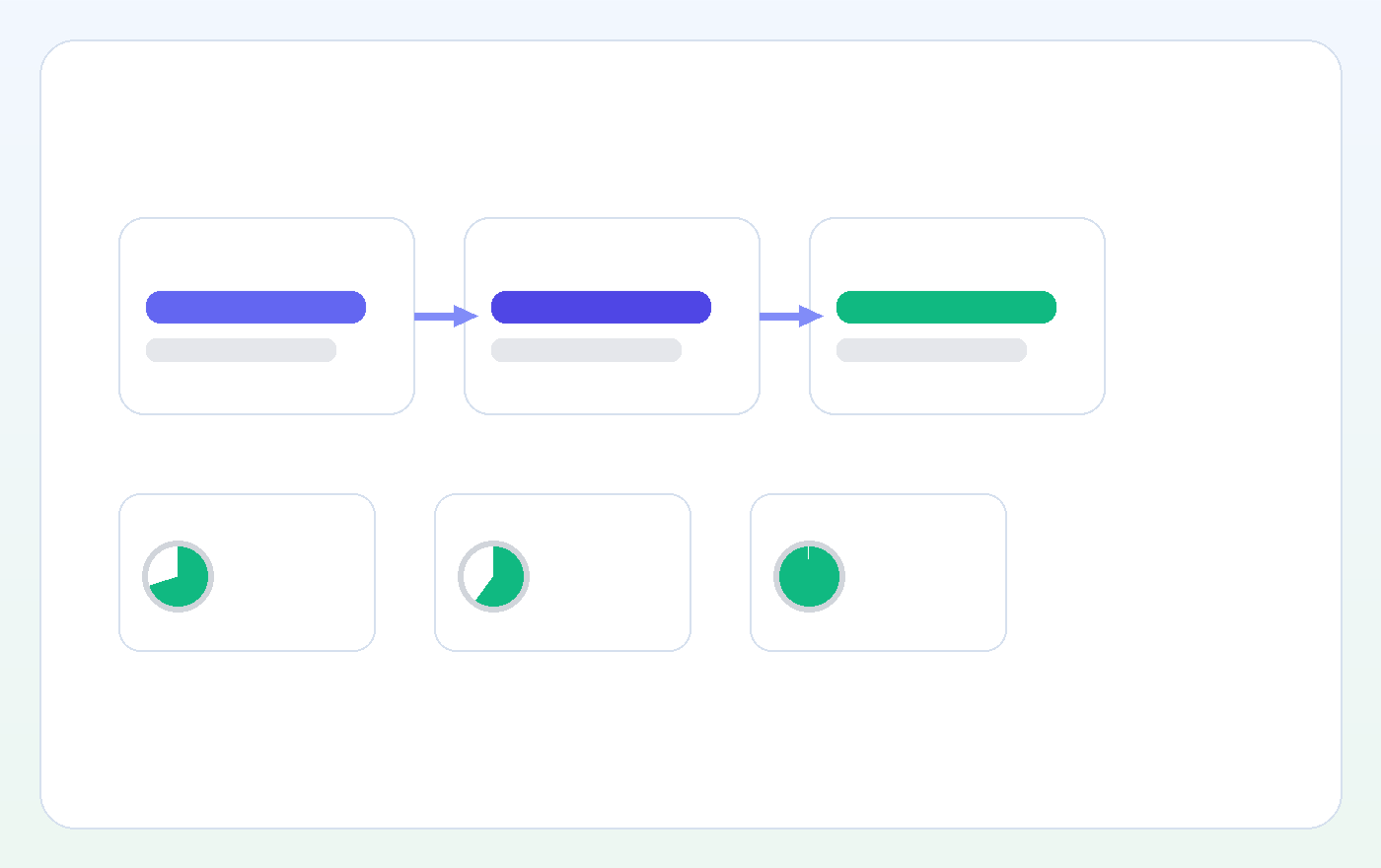
From chat → resolution
All in one: chat, customer context, and knowledge. Agents understand faster and reply more consistently.
Unified inbox
Chat stays connected to your support workflow.
Knowledge base
Answer faster with the right sources.
AI assist
Draft replies + guardrails (you stay in control).
What is live chat?
Live chat is a conversation window on your website or in your app where a visitor and an agent exchange messages in real time. Unlike email, everything stays in one running thread. Unlike phone, you keep a searchable transcript after the conversation ends.
A customer service chat program has three layers. Tools mostly differ in the third one: a widget that cannot create a ticket drops the work the moment a question does not finish inside one conversation.
- The widget the visitor sees: business hours, wait expectation, and the fallback form when nobody is online.
- The agent screen where your team replies: parallel conversations, snippets, internal notes.
- The connecting layer underneath: who this customer is, which order it concerns, and what happens after the chat.
Who is live chat customer support for?
Live chat works best for teams handling repeat questions (shipping, returns, product advice) who want speed without extra headcount. For ecommerce, live customer support is especially powerful because visitors are often in a purchase moment.
What makes a live chat actually good?
- Context (customer + order + history) at hand
- Knowledge base/FAQs integrated (fewer escalations)
- Workflows: tags, assignments, off-hours handoff
- AI as assistant, not a black box (source-grounded)
Live chat software: what visitors and your team need
When people search for live chat, helpdesk live chat, or live customer support, they want real-time answers without turning support into a disconnected tool. A widget alone isn’t enough. Teams want a live chat helpdesk with context, a knowledge base, and workflows.
Run live chat alongside your helpdesk, not in front of it. Simple questions can end in chat; anything that needs order research, another agent, or later follow-up should become a ticket with the transcript, owner, and status intact.
Live chat agent experience
Agents need instant context: who is the customer, what’s the order status, what’s been tried? Without context you get slow chats, repeat questions, and frustration.
Live chat knowledge base
The best live chat tools connect chat to your knowledge base: self-serve when possible, and instant snippets/articles when a chat starts. That reduces volume and improves consistency.
Help live chat (outside hours)
If nobody is online, you don’t want a dead end. Great live customer support routes to inbox/tickets and keeps the full conversation.
AI live chat (without risk)
Intercom/LiveChat/Tidio all push AI. The difference is guardrails: source-grounded answers, agent assist, and clear handoff.
Free chat software: where the free plan stops
There is no single best free chat tool, because free plans are capped in different places. Compare the limit, not the feature list: at which point in your working day does the free plan stop?
- Number of seats. Free plans are usually built for one or a few agents. The moment a second person joins during a rush, you hit the wall.
- Conversation retention. Can you still find last month’s chat during a returns dispute? That is often exactly what free tiers cut.
- Handoff to a ticket. Without it, every question you cannot solve immediately ends in a copy-paste to the mailbox.
- Webshop integration. Without order context the visitor has to look up their order number and the agent retypes it in a second screen.
- Reporting and widget branding. Without numbers you cannot tell whether chat works, and a foreign brand under your widget costs trust on a product page.
A practical test: run a free widget for two weeks, then count two things. How many chats came in, and how many of them still needed a follow-up email afterwards? The second number tells you whether you need a chat window or a helpdesk that includes chat.
SamDesk vs. alternatives (Intercom, Zendesk, LiveChat, Tidio)
Competitors are strong at a slice: Intercom in omnichannel messaging, LiveChat in fast website chat, Tidio in AI/chatbots for SMB. SamDesk wins where chat stops being a standalone channel and becomes part of your helpdesk + knowledge base + workflows. That’s how teams reply faster while keeping quality consistent.
| What to compare | SamDesk | Intercom / LiveChat / Tidio |
|---|---|---|
| Chat + inbox unified | Yes, one workflow | Often chat-first (separate from helpdesk) |
| Live chat knowledge base | Built-in + snippets | Often add-on / separate setup |
| AI live chat guardrails | Agent assist + source-grounded answers | AI is often more aggressive; guardrails vary |
| Off-hours handoff | To inbox/tickets with context | Not always native / can fragment |
Implementation: live chat in 7 days (without chaos)
- Start with your top 20 questions — create snippets + knowledge base articles for shipping/returns/product.
- Set hours + handoff — outside hours route to inbox/tickets.
- Measure 3 KPIs — first response time, conversion, deflection rate.
- Add AI assist — drafts first, then auto-answers later.
Frequently asked questions
Do I need 24/7 live chat support agents?
No. Set business hours and route conversations to your inbox outside hours. That keeps help live chat available without 24/7 staffing.
How do I combine live chat with a helpdesk?
By not running chat as a standalone tool. Connect it to your unified inbox, tags, and workflows. SamDesk is live chat helpdesk software: chat + inbox/tickets + knowledge base in one.
Can AI live chat use my knowledge base?
Yes. The safest approach is to ground AI in your own live chat knowledge base and start with agent assist. Then enable auto-answers for simple questions.
Ready to make live chat work (without chaos)?
Start with SamDesk and connect live chat to your inbox, knowledge base, and workflow.
Create your account